
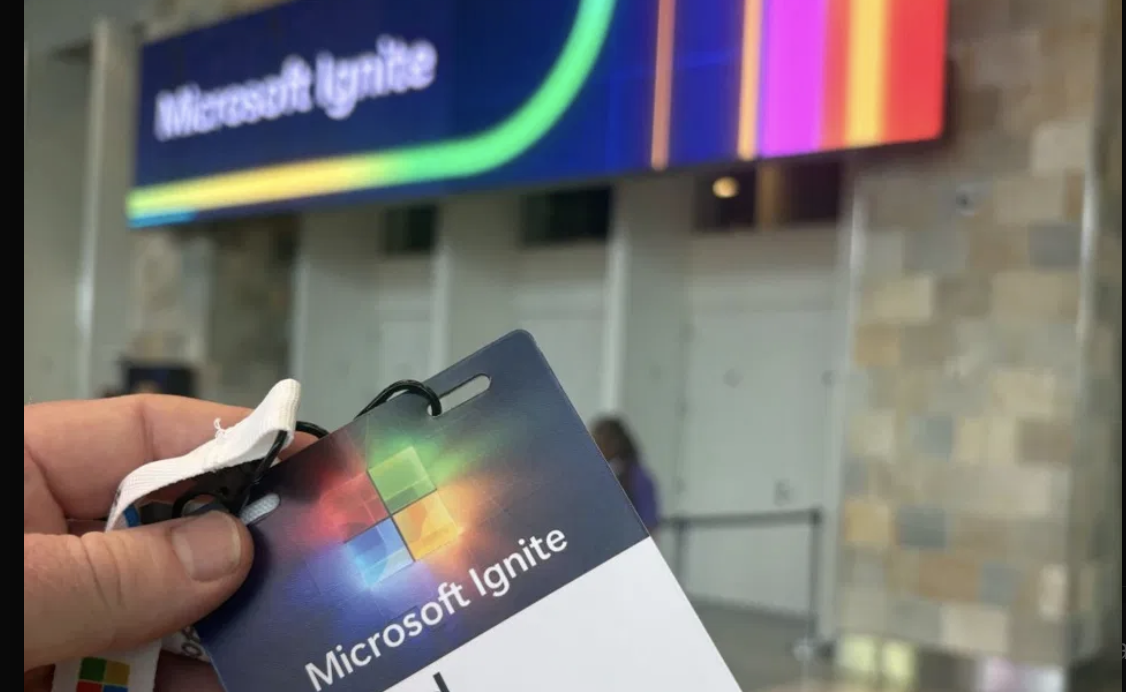
Every conference ends the same way: a selfie, a LinkedIn post, and a lanyard with a QR code printed right on the badge. Microsoft Ignite is no exception. I had one in front of me, so I scanned it to see what was inside. A QR code isn’t a secret — it’s just a picture of data, and anything a camera can read, so can you.
Point a reader at the badge and you don’t get a name. You get a URL: a genuine Microsoft link, a long badge ID, and a lump called “data”. That data is URL-encoded Base64. Decode it and you get a mess — a few readable characters, then a stream of accented gibberish. The tell is the pattern: it’s a JavaScript string scrambled in the browser. Which means it can be unscrambled outside of it.
And it was barely scrambled. Not real encryption — just a fixed shift of each character, a Caesar cipher’s grown-up cousin. To break one you need a scrap of text you already know. The badge helpfully prints it on the front: the attendee’s name and company. Subtract the letters you know, and the key drops straight out — twenty characters, repeating, with the event’s own name sitting inside it. Hand-rolled, and the same for every badge at the show.
Apply it and the blob falls open:
1785137280637001Jrkt^Firstname^Lastname^Company Ltd^
Name, company, badge ID. I tried a second badge — different person, different company, registered three months apart — and the exact same key decoded it. Crack one, crack them all.
So how bad is it? Honestly, barely. Every field is already printed on the front of the badge. The one thing you can’t see with your eyes is buried in the badge ID: it starts with a timestamp, down to the millisecond, revealing the precise moment that person registered. Mildly creepy, entirely harmless.
Which is the whole point. This is the benign version of a problem that often isn’t. “Data hidden in a code, barely scrambled” describes a lot of what you photograph without thinking. A boarding-pass barcode holds your name and booking reference — frequently enough to log into the airline and change your flight. Those “scan to save my details” squares carry home addresses and personal mobiles. And a bonus that isn’t even a QR code: a photo of your keys. The cuts on a house or office key can be read straight off a clear picture and copied by a locksmith. That “we got the keys!” snap is, to the wrong person, an order form.
None of this is a reason to panic. It’s a reason to pause before the photo goes up. Blur the QR. Treat boarding passes like passwords. Keep your keys in your pocket. A code printed big and glossy isn’t private — it’s just portable.
Scan before you share. The camera always sees more than you do.